2026 Guide: Migrating from Linux VPS to Mac Cloud — Why Cross-Platform Dev & AI Agents Need Native macOS
The most common question from Linux VPS veterans moving to Mac cloud hosting is: "Can I manage it just like Linux?" The answer is yes. This guide covers SSH vs VNC access, native macOS toolchain advantages, and provides a 5-step migration checklist with a cross-platform CI/CD and AI Agent decision matrix for 2026.
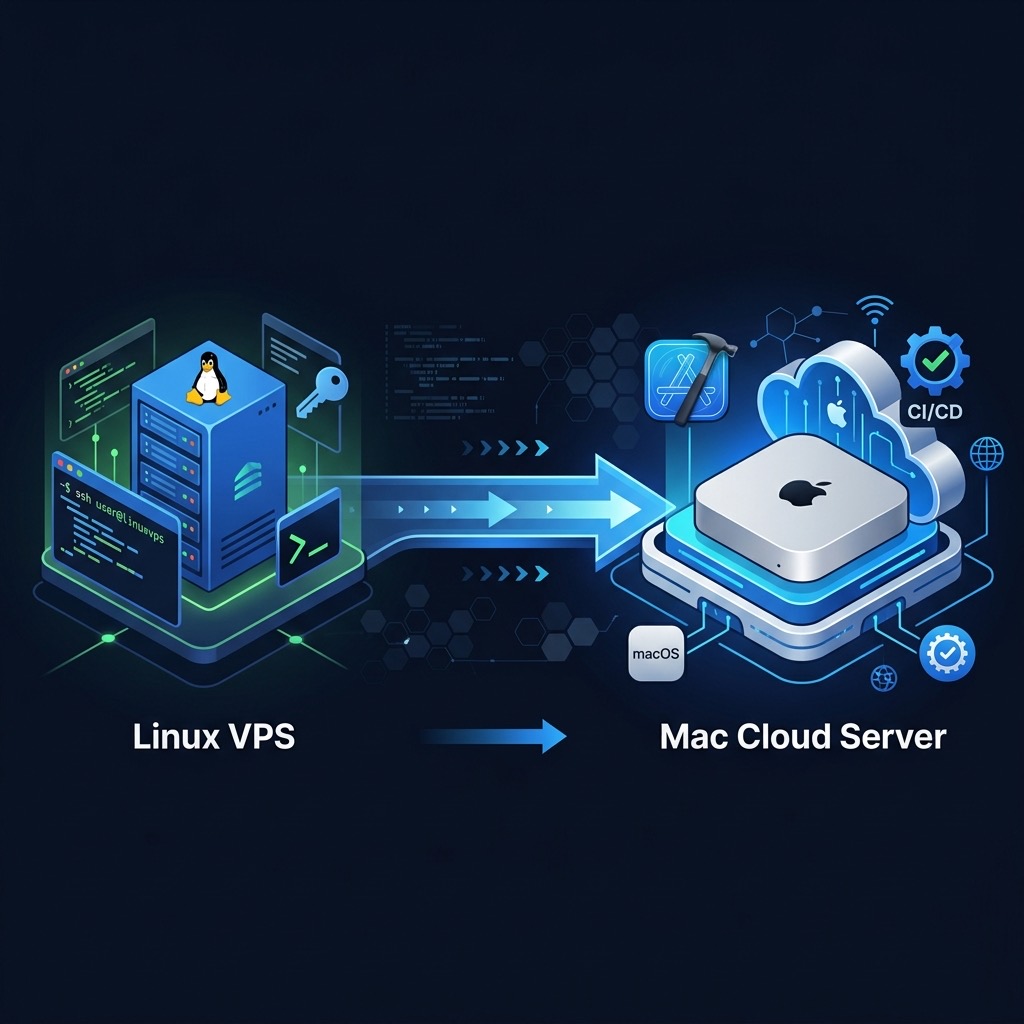
Table of Contents
- The Core Linux VPS Limitations: Xcode & Apple Ecosystem Dead Zones
- SSH vs VNC: Managing Mac Cloud Nodes Like Linux Servers
- Migration Decision Table: Mac Cloud vs Linux VPS
- 5-Step Smooth Migration Checklist
- Best Practices: Mac Node as CI Pipeline & AI Agent Host
- Technical Benchmarks & Key Metrics
- FAQ
The Core Linux VPS Limitations: Xcode & Apple Ecosystem Dead Zones
For most backend and full-stack developers, Linux VPS is the default — familiar package managers, SSH access, systemd services. But when requirements expand to iOS/macOS builds, local AI model inference, or Apple-specific toolchains, Linux VPS hits three hard walls:
- Xcode cannot run on Linux: Xcode depends on macOS kernel-level APIs (AMFi, Keychain Services). No container or emulator on Linux can natively run
xcodebuild, and iOS code signing is completely impossible. - No M4 Unified Memory Architecture: Apple Silicon's Unified Memory Architecture (UMA) lets CPU, GPU, and Neural Engine share the same memory pool — enabling sub-30ms inference on 70B parameter models. Traditional Linux GPU instances require PCIe bus transfers, adding latency overhead.
- Apple Ecosystem APIs unavailable: App Store Connect API, TestFlight archive uploads, Simulator parallel testing, and Photos framework all require macOS system calls or a trusted developer environment that Linux simply cannot replicate.
In 2026, with the explosion of iOS automated publishing and 24/7 AI Agent hosting demands, more teams are treating Mac cloud nodes as infrastructure managed exactly like Linux VPS.
SSH vs VNC: Managing Mac Cloud Nodes Like Linux Servers
The most common concern from Linux veterans: "Don't you have to use a mouse with Mac?" In practice, macOS has supported full SSH remote management since 10.x. The vast majority of operations require no GUI whatsoever.
SSH Use Cases (Recommended for Daily Operations)
- Running headless
xcodebuildbuilds and tests - Deploying OpenClaw, Docker containers, and AI Agents
- Managing daemons via
launchctl - Scripting Homebrew, npm, CocoaPods operations
- Scheduled tasks via launchd plist (replaces cron)
VNC Use Cases (Enable Only When Needed)
- Initial Apple ID developer account setup (requires GUI)
- Xcode Simulator interactive debugging sessions
- Notarization flows requiring graphical confirmation
Migration Decision Table: Mac Cloud vs Linux VPS
| Dimension | Linux VPS (x86) | Mac Cloud (Apple Silicon M4) |
|---|---|---|
| SSH Remote Management | ✅ Native support | ✅ Native support, identical workflow |
| Xcode / iOS Builds | ❌ Not supported | ✅ Native headless xcodebuild |
| Apple Code Signing | ❌ Not supported | ✅ Keychain + Provisioning Profile |
| AI Inference (LLM) | ⚠️ Requires separate GPU, high cost | ✅ UMA shared memory, 70B models run locally |
| Docker / Containers | ✅ Native Linux containers | ✅ Docker Desktop, native ARM64 images |
| Daemon Management | systemd (familiar) | launchd (different syntax, equivalent features) |
| CI/CD Integration | GitHub Actions Linux runner | GitHub Actions macOS self-hosted runner |
| AI Agent Hosting | ⚠️ No GUI, no Apple APIs | ✅ Full macOS environment, OpenClaw-ready |
| Provisioning Speed | Seconds (virtualized) | 90 seconds (VPSMAC API) |
5-Step Smooth Migration Checklist
-
Audit Dependencies: What Stays on Linux, What Moves to Mac
Split tasks by whether they involve Apple toolchain, Apple APIs, or iOS testing. Pure backend APIs, databases, and Linux-containerized services can stay on Linux VPS. iOS builds, AI Agents, and macOS automation move to Mac cloud. -
First SSH Connection & Environment Verification
ssh -i ~/.ssh/id_rsa user@your-vpsmac-node # Verify system info sw_vers # Expected output: ProductName: macOS / ProductVersion: 15.x uname -m # arm64 -
Install Core Toolchain
# Install Homebrew /bin/bash -c "$(curl -fsSL https://raw.githubusercontent.com/Homebrew/install/HEAD/install.sh)" # Install common tools brew install git node@22 python3 # Verify Xcode Command Line Tools xcode-select --print-path xcodebuild -version -
Configure launchd Daemon (systemd Replacement)
Create~/Library/LaunchAgents/com.myapp.agent.plist:<key>ProgramArguments</key> <array> <string>/usr/local/bin/node</string> <string>/Users/user/myapp/index.js</string> </array> <key>RunAtLoad</key><true/> <key>KeepAlive</key><true/>Load:launchctl bootstrap gui/$(id -u) ~/Library/LaunchAgents/com.myapp.agent.plist -
Connect CI/CD & Run Smoke Tests
Add self-hosted runner label in GitHub Actions workflow:runs-on: [self-hosted, macOS, arm64] steps: - uses: actions/checkout@v4 - name: Build iOS run: xcodebuild -scheme MyApp -destination 'platform=iOS Simulator,name=iPhone 16' buildPush a commit and confirm the CI pipeline turns green on the Mac node.
Best Practices: Mac Node as CI Pipeline & AI Agent Host
Hybrid CI/CD Topology
The most common 2026 hybrid architecture: Linux nodes handle linting, unit tests, and backend builds; Mac nodes handle iOS archiving, code signing, Simulator integration tests, and TestFlight uploads. Both are chained via GitHub Actions needs dependencies, sharing the same artifact registry.
AI Agent Host Configuration
Recommended OpenClaw deployment on Mac cloud: install via npm install -g openclaw@latest, manage with launchd for process persistence, mount ~/.openclaw to a persistent path. M4 unified memory supports running an Ollama local model and OpenClaw gateway simultaneously — no separate GPU instance needed.
Network Connectivity Optimization
- Prefer SSH tunnels for control panel access (port 18789)
- Use Tailscale for team-wide node sharing
- For enterprise firewall scenarios, see the Mac Cloud Proxy Configuration Guide
Technical Benchmarks & Key Metrics
- M4 UMA Memory Bandwidth: 120 GB/s (Mac mini M4 Pro), far exceeding PCIe 4.0 x16 at 64 GB/s — significantly reducing AI inference memory bottlenecks.
- Headless xcodebuild: Mid-size iOS projects (~100k LOC) compile in 4–6 minutes on M4 Mac mini 16GB; with DerivedData cache hits, this drops to under 90 seconds.
- VPSMAC Provisioning Latency: Average 90 seconds from API call to SSH-ready — suitable for elastic CI scaling.
- launchd vs systemd: launchd uses plist XML;
RunAtLoad/KeepAlivemap directly to systemd'sWantedBy=multi-user.target/Restart=always. Expect 1–2 hours familiarization time. - Ollama 14B Inference: Llama-3.2-14B runs at ~35–50 tokens/s on M4 Mac mini 32GB UMA — no dedicated GPU required.
FAQ
Q: Can Mac cloud nodes run Docker like a Linux VPS?
Yes. macOS runs Docker Desktop with native ARM64 Linux images at roughly 5–10% overhead. x86 images run via Rosetta 2 translation — fine for tooling, but production builds should use native ARM64 images.
Q: Are SSH keys the same as on Linux?
Identical. VPSMAC nodes use standard OpenSSH — public key auth and known_hosts management work exactly as on Linux. You can reuse your existing SSH config directly.
Q: Can App Store code signing be done without a GUI?
Yes. Use Fastlane match to manage certificates and Provisioning Profiles, paired with an App Store Connect API Key. The entire signing and archiving flow runs headless over SSH. Only the initial Apple ID account binding may require a brief VNC session.
Q: What if disk space runs low on a Mac cloud node?
Set up regular DerivedData cleanup (rm -rf ~/Library/Developer/Xcode/DerivedData) and add disk watermark alerts in your CI scripts. Recommended threshold: 80% usage (trigger when <40GB free on a 200GB node).
For teams that have relied on Linux VPS, attempting to force iOS builds or AI Agent operations onto Linux means ongoing troubleshooting overhead — often far exceeding the cost of migration itself. The more sustainable path is establishing a native macOS node on Mac cloud that is fully compatible with Linux operations habits. VPSMAC's M4 Mac cloud nodes offer SSH access, API-driven provisioning, and elastic scaling — making them the superior infrastructure choice for cross-platform development and AI Agent deployment in 2026.