Avoid Account Bans: Why OpenClaw Needs a Real Physical Mac, Not a VM, to Simulate User Behavior
Platforms increasingly detect and ban automation that runs inside virtual machines or shared cloud instances. This article explains why OpenClaw and similar vision-based agents need a real physical macOS environment to simulate user behavior reliably and avoid triggering anti-bot systems.
Why Account Bans Happen: Detection in the Wild
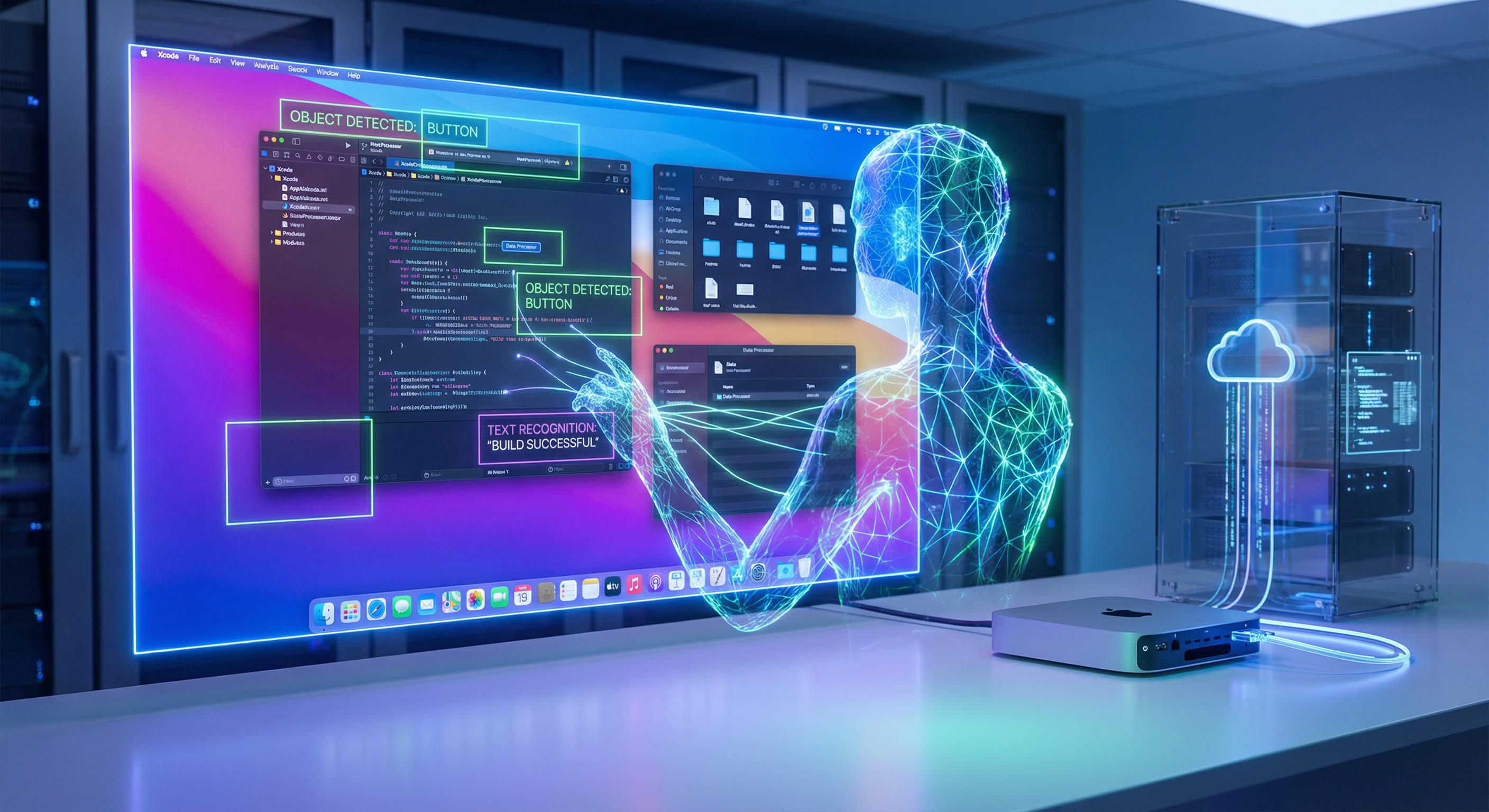
When you run an AI agent like OpenClaw to automate tasks on a remote Mac—logging in, filling forms, clicking through workflows—you are asking the agent to behave like a human user. The agent captures the screen, reasons about what it sees, and injects keyboard and mouse events. If the environment in which this happens differs from a real user's machine in ways that platforms can measure, those platforms may flag or ban the account. Detection is not only about the agent's logic; it is about the hardware and software stack underneath. Virtual machines and paravirtualized display paths leave traces that anti-bot systems are designed to find.
Research and industry reports on bot detection consistently point to several signal categories: hardware and firmware fingerprints (SMBIOS, ACPI tables, device IDs), display and input timing (frame pacing, input latency, event ordering), and behavioral patterns (typing speed, mouse movement curves, session duration). On a physical Mac, these signals match what a human would produce on the same hardware. On a VM, the hypervisor and virtualized devices alter or normalize many of these signals. The result is a higher chance of being classified as non-human, even when the agent's behavior is otherwise careful and human-like.
How Platforms Fingerprint the Environment
Platforms do not rely on a single check. They combine multiple signals to build a risk score. Hardware and OS fingerprints are one layer: CPU model strings, amount of RAM, display resolution and refresh rate, GPU vendor and driver versions. On a real Mac, these come from Apple Silicon and macOS and are consistent with millions of consumer devices. In a virtualized Mac, the guest often sees synthetic or passthrough devices that can differ from physical hardware in subtle ways. Some hypervisors expose a modified DMI/SMBIOS or report a generic "Apple Inc." model that does not match a real product line; others leave timing artifacts in the display or input pipeline that statistical detectors can pick up.
Display and input timing is another layer. Human interaction has natural variance: slight delays between keystrokes, mouse movements that follow Bézier-like curves, and reaction times that fall within a known distribution. Automation that runs in a VM often has different timing characteristics. The guest OS receives input events that have been serialized and possibly batched by the hypervisor; frame capture may be delayed or irregular because the display is composited in software or through a paravirtualized GPU. Studies on human-computer interaction show that input latency above roughly 50–100 ms becomes noticeable and can be detected; in virtualized setups, end-to-end latency from "agent decides to click" to "frame showing the result" can easily exceed that window. The platform does not need to know you are in a VM; it only needs to observe that your timing distribution is statistically different from that of real users.
Finally, some platforms use behavioral and session signals: how long the session lasts, how often the same IP or device is used, and whether the sequence of actions matches known automation patterns. Running on a physical Mac does not by itself fix bad automation design, but it removes one major source of anomalous signals: the environment itself. When the environment is indistinguishable from a real user's Mac, the only remaining variables are the agent's logic and your operational discipline (rate limiting, session length, diversity of tasks).
Academic and industry work on bot detection (e.g. CAPTCHA evolution, device attestation, and behavioral biometrics) shows that environment signals are weighted heavily because they are hard for an attacker to fix without changing hardware. So even if your agent adds random delays and human-like mouse curves, a VM or cloud instance can still leak enough information to raise the risk score. Switching to a physical Mac addresses that class of signal at the source.
Why VMs Fail the "Real User" Test
Virtual machines introduce a layer between the guest macOS and the physical hardware. That layer is necessary for multi-tenancy and resource sharing, but it has side effects that matter for automation that simulates user behavior.
First, the display pipeline. On a physical Mac, the framebuffer is produced by the GPU and scan-out hardware and consumed directly by the display. Screen capture APIs (e.g. CGWindowListCreateImage, screencapture in automation contexts) read from this pipeline with minimal indirection. In a VM, the guest's display output is typically rendered into a virtual framebuffer, then copied or streamed to the host. That copy adds latency—often tens to hundreds of milliseconds depending on resolution and host load. It can also change frame pacing: frames may be delivered in bursts or at irregular intervals. For an agent that reacts to what it sees, this means the agent may act on stale pixels (a button has already moved or a dialog closed) or with timing that does not match human reaction distributions. Both increase the risk of erratic behavior and of detection.
Second, input injection. When the agent sends a mouse click or keypress, the event must reach the application with the same semantics as a real device. On physical hardware, the IOKit and Quartz Event Services pipeline delivers events with predictable latency and ordering. In a VM, input is often injected via a virtual device or a host-to-guest channel. Latency and ordering can be affected by host scheduling, and some virtualization setups normalize or batch events in ways that alter timing. Again, the result is a distribution of input timing that may fall outside the range platforms expect from humans.
Third, hardware and firmware fingerprints. Even when the VM presents "Apple" hardware to the guest, the exact model strings, device IDs, and ACPI/EFI tables may not match a real Mac product. Detection systems that collect hardware telemetry can flag these mismatches. Physical Macs, including rented bare-metal nodes, report the same identifiers as any other Mac of that model. There is no hypervisor in the chain to modify or abstract them.
Why Physical Mac Matches Real User Behavior
A bare-metal Mac—whether on your desk or in a data center as a rented node—runs macOS directly on Apple Silicon. There is no hypervisor, no virtual display buffer, and no synthetic input devices. The display pipeline is the same as on a consumer Mac: GPU to display controller to framebuffer, with capture APIs reading from that pipeline. Input injection goes through the same IOKit and Quartz paths as a physical keyboard and mouse. Hardware identifiers are the real ones for that Mac model.
From the perspective of any application or platform running on that Mac, the environment is identical to a real user's machine. The only difference is that the "user" is an automation agent. If the agent is well-designed—human-like delays, natural mouse movements, reasonable session length—the combined signal (environment + behavior) falls within the distribution platforms associate with legitimate users. That does not guarantee that no platform will ever flag the account; it means you have removed the main structural cause of detection that comes from the stack (VM artifacts, timing skew, fingerprint mismatch).
Benchmarks from teams running vision-based automation on bare-metal macOS show frame capture latency typically in the 16–33 ms range per frame (about 30–60 fps). That is within the range of human perception and reaction and allows the agent to make decisions on up-to-date screen state. Input injection latency on the same hardware is in the single-digit millisecond range. In virtualized Mac setups, capture and input latency are often 50–200 ms or more, and frame pacing can be irregular. The gap is large enough that both the agent's reliability and the statistical profile of the session suffer when running in a VM.
OpenClaw Specifically: Vision and Input on Real Hardware
OpenClaw is a vision-based agent: it sees the screen (via capture) and acts (via injected input). Its reliability and its ability to mimic human behavior depend on two things: low-latency, faithful screen capture and accurate, low-latency input injection. Both are best achieved on a physical Mac.
When OpenClaw runs on bare-metal macOS, it uses the same CGWindowListCreateImage (or equivalent) and accessibility APIs that any native automation would use. The framebuffer it reads is the real GPU output. There is no guest-to-host copy, no software compositor in the middle, and no resolution or color-space translation that could delay or alter the image. The agent sees what a human would see, at similar latency. When it injects a click or keypress, the event follows the same path as a physical device. The combination minimizes the chance that the agent acts on outdated state or that its actions arrive with timing that looks synthetic.
In contrast, when OpenClaw runs in a VM, capture may return a black or corrupted frame under load, or frames may be delayed enough that the agent clicks where a button used to be. Input may be batched or reordered. These failures are not only annoying; they can cause the agent to retry, to click wrong elements, or to produce long pauses or rapid repeated actions—all of which are known automation signals. Platforms that look for such patterns have an easier job when the underlying environment already introduces timing and fidelity issues. Running OpenClaw on a dedicated physical Mac removes that disadvantage.
Another practical consideration is consistency. On bare-metal, the same workflow produces the same timing and display behavior run after run. That makes debugging and tuning the agent straightforward. In a VM, host load and scheduling can change latency from one run to the next, so flakiness is harder to reproduce and fix. For production automation where you care about both reliability and avoiding bans, a stable physical environment pays off in fewer retries and a cleaner behavioral profile.
Renting a Physical Mac in the Cloud: VPSMAC Model
You do not need to own a Mac to get a physical environment. VPSMAC rents dedicated bare-metal M4 Mac nodes. When you lease a node, you get a specific physical machine: no hypervisor, no multi-tenant sharing. The node runs standard macOS (Sonoma or later) with full display and GPU pipeline. You install OpenClaw or any other automation tool yourself and run your workflows via SSH and, if needed, VNC. From the perspective of the applications and platforms your agent interacts with, the machine is a normal Mac.
Operationally, this gives you 24/7 automation without leaving your laptop on. You can schedule jobs, trigger from CI, or run the agent continuously. Because the node is bare-metal, you avoid the VM-related detection risks and the reliability issues (black screens, input misalignment, throttling) that often plague automation on virtualized or shared Macs. If you have already validated OpenClaw on a local Mac, moving the same binary and config to a VPSMAC node is a straightforward way to get a production-ready, ban-resistant environment without changing your automation logic.
Technical Summary: Physical vs VM
The following table summarizes why a physical Mac is the right choice when the goal is to simulate user behavior and avoid account bans.
- Display pipeline. Physical: native GPU to framebuffer; capture latency ~16–33 ms. VM: virtual or paravirtual display; capture often 50–200+ ms, irregular pacing.
- Input injection. Physical: same IOKit/Quartz path as real devices; single-digit ms latency. VM: virtual device or host-guest channel; possible batching and scheduling delay.
- Hardware fingerprint. Physical: real Apple Silicon and macOS identifiers. VM: synthetic or passthrough devices; may not match real product lines.
- Timing distribution. Physical: matches human reaction and input variance when the agent is well-tuned. VM: extra latency and variance from hypervisor and display path; easier to detect as non-human.
None of this implies that running on a physical Mac gives you permission to violate a platform's terms of service. It means that if your use case is legitimate automation (e.g. your own apps, internal tools, or consented workflows), running on bare-metal macOS removes the main technical reason your environment would be flagged—namely, that it looked like a VM or a shared instance instead of a real user's machine.
Setting Up OpenClaw on a VPSMAC Node
After you lease a VPSMAC M4 node, you receive SSH access. The node is a standard Mac; you install Xcode CLI tools, Homebrew, and OpenClaw as you would on a local machine. Point OpenClaw at the default display and run your tasks. Example steps:
Because there is no hypervisor, the agent sees the real display and injects into the real input pipeline. You get the same behavior as on a local Mac, with the added benefit of 24/7 availability and no need to keep your own hardware on. For long-running or scheduled automation where avoiding detection matters, a single dedicated physical node is often enough; you can add more nodes if you need to scale or isolate workloads.
From a cost perspective, renting a physical node is typically cheaper than buying a Mac solely for automation, and you avoid the risk of that machine becoming a detection vector if it were ever virtualized or shared. You also avoid the operational burden of maintaining and securing hardware on-premises. VPSMAC nodes are assigned to you exclusively for the rental period; you can run the same macOS version and tools you use locally, so migrating an existing OpenClaw setup is a matter of copying your config and binaries and pointing them at the node.
Conclusion
Account bans often stem from platforms detecting non-human or non-consumer environments: VM artifacts, timing anomalies, and hardware fingerprints that do not match real devices. OpenClaw and similar vision-based agents need low-latency screen capture and input injection to behave like a human user. Virtual machines introduce display and input latency, timing variance, and synthetic hardware that increase both reliability issues and detection risk. A real physical Mac—whether local or rented as a bare-metal node—provides the same environment a human would use: native display pipeline, native input path, and real Apple Silicon identifiers. If you want to avoid bans and maximize automation reliability, run OpenClaw on a dedicated physical Mac. VPSMAC's rental model supplies that Mac in the cloud with no hypervisor and no multi-tenancy, so your agent runs in an environment that platforms cannot distinguish from a real user's machine.